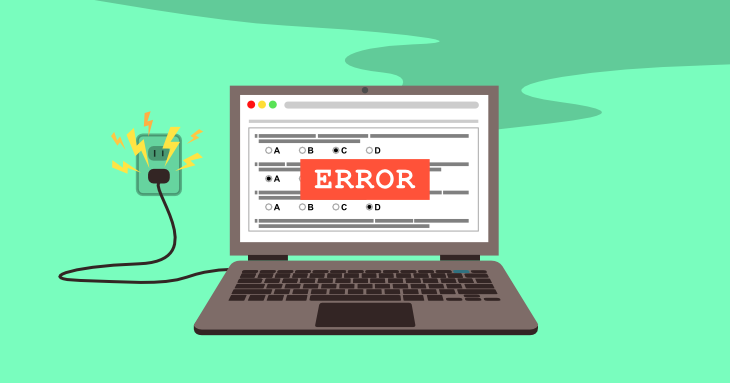
Technical problems during a speech can range from mildly disruptive to completely disastrous. Although you can’t ensure every piece of technology will function flawlessly, you can take steps to be ready if something goes wrong.
Common types of disruptions
- Audio/microphone failure — The mic cuts out, feeds back with a loud screech, has a dead battery, or simply isn’t loud enough for the room, making it hard for the audience to hear you.
- Visual/projection failure — The projector won’t connect to your laptop, slides freeze or won’t advance, the wrong file loads, or the screen resolution gets distorted mid-presentation.
- Connectivity or device failure — A clicker or remote stops responding, a laptop crashes or won’t wake up, a video or embedded media won’t play, or a wireless connection drops if your presentation relies on internet access.
Strategies that help
- Do a full tech check beforehand — Arrive early to test the mic, projector, laptop connection, clicker, slides, and any embedded video or audio on the actual equipment you’ll be using, not just your own setup at home. This catches most compatibility or connection issues before the audience is in the room.
- Bring backups — Carry a backup of your slides on a USB drive (and in the cloud), extra batteries for a mic or clicker, and adapter cables for different ports. Having a second copy of everything means one failed device doesn’t take down your whole talk.
- Prepare a low-tech version — Have a simplified version of your talk that works with zero technology — printed notes or just your own knowledge of the material — so that if everything fails at once, you can keep going without missing a beat, rather than freezing while waiting for a fix.
Preparing in advance will help reduce your anxiety going into the speech. During the speech, if something does happen to the technology, you can remain calm and in control and face the issue because you’re prepared for it.